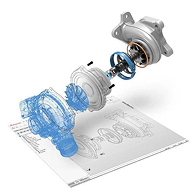
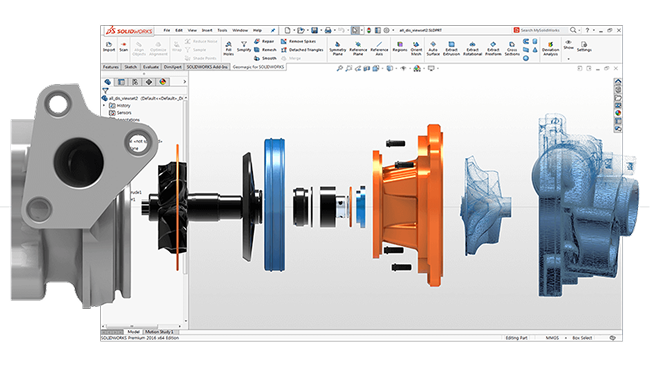
Input 3D scan data into SOLIDWORKS. Create feature-based solid models inside SOLIDWORKS. Make exact surfaces from scan data in SOLIDWORKS. Automated curve and sketch creations from mesh.
The only complete scan-to-SOLIDWORKS solution
Geomagic Wrap delivers the industry’s most powerful toolbox to transform 3D scan data and imported files into 3D models for immediate use downstream. From engineering to entertainment, art to archaeology and manufacturing to museums, people from every walk of life are effortlessly reverse engineering perfect 3D models from scan data and 3D files using Geomagic Wrap.
Geomagic® for SOLIDWORKS® Key Features
Complete 3D scan-to-CAD within SOLIDWORKS
Clean and modify 3D scan mesh quickly
Easily align your mesh to the World Coordinate System
Automatic curve and sketch creations from mesh
Integrates with SOLIDWORKS surface and solid modelling
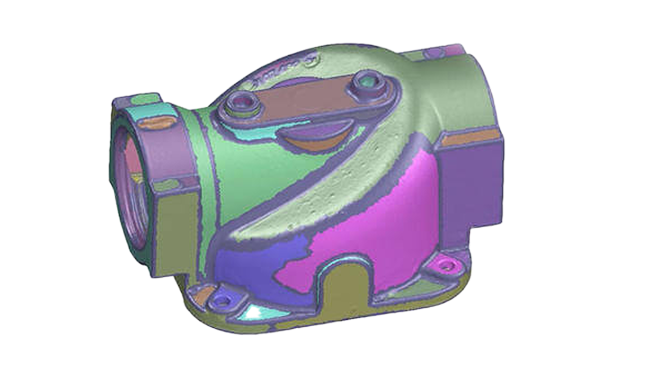
Automated mesh segmentation and CAD feature extraction within SOLIDWORKS
This intuitive pre-processing step allows for the intelligent grouping of scan data elements for feature extraction directly inside SOLIDWORKS
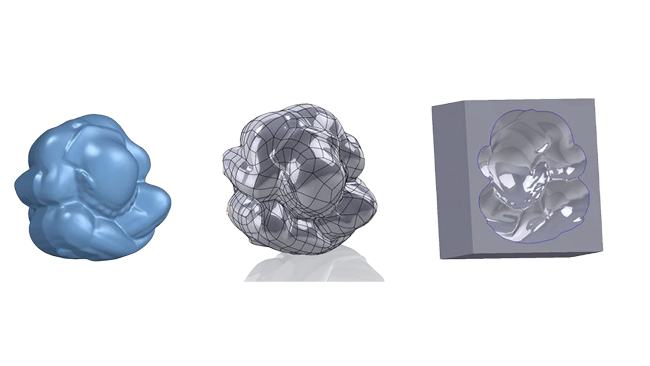
Scan driven modeling using exact surfacing
Automatic conversion of both organic and geometric scan objects to CAD solid with exact surfacing wizard
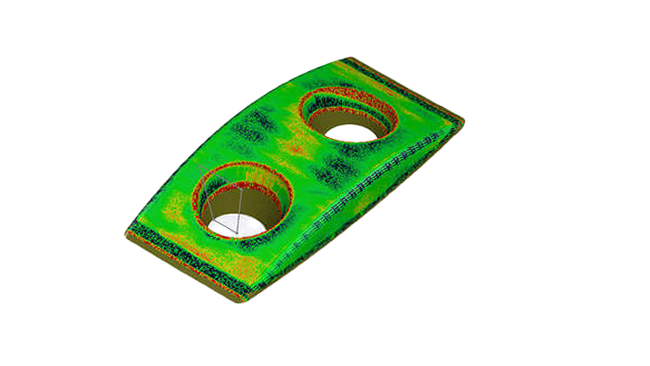
3D mesh-model comparison with deviation analysis
Compare deviations between mesh object and CAD model anytime as you are modelling
We are specialists in 3D Scanning, 3D Scanners and CAD / CAM software, serving the industry since 1996. Engage our expertise for your small batch prototypes production, and 3D design and manufacturing solutions.
We use them to give you the best experience. If you continue using our website, we'll assume that you are happy to receive all cookies on this website.