Powerful 3D imaging software is critical to a smooth scanning experience. It quite literally controls how the scanner captures data and with what level of precision. Artec Studio features the most advanced 3D data algorithms which give you high precision in your results, while at the same time make 3D scanning intuitive and user-friendly.
Artec Studio Professional Software
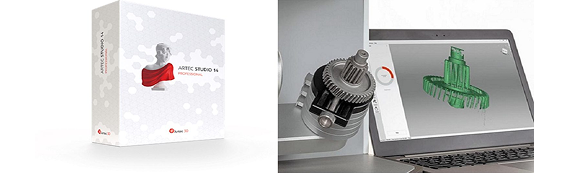
Artec Studio 18. The power is in the software. Industry acclaimed software for professional 3D scanning and data processing. Powerful 3D imaging software is critical to a smooth scanning experience. It quite literally controls how the scanner captures data and with what level of precision. Artec Studio features the most advanced 3D data algorithms which give you high precision in your results, while at the same time make 3D scanning intuitive and user-friendly.
Where to buy from Artec Authorized Distributor: https://www.artec3d.com/where-to-buy/singapore
Automatic Temperature Stabilization For Precision
Fast, Automated Post Processing
Whether you are new to 3D scanning and require step-by-step guidance in 3D data processing, or are an experienced user looking to speed up your workflow, Artec Studio’s breakthrough automated processing features set a new horizon in 3D scanning.
Artec Studio Key Features
Build with speed in mind and high precision Powerful technologies to process your data in seconds. Whether you choose Autopilot or manual mode, Artec Studio never compromises on precision.
Combining Artec Scans with Photogrammetry Capture images with any camera, be it your personal mobile phone or a high-level professional camera, to create 3D models with photorealistic texture and unbeatable geometry. With the combination of 3D scan data and photogrammetry, your 3D models will be as photorealistic and true-to-form as possible.
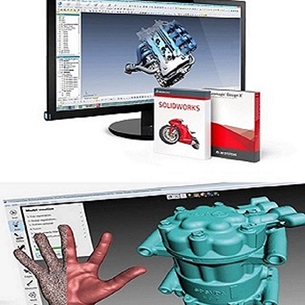
Reverse Engineering Functionality Enhancement Artec Studio’s CAD primitives also streamline workflows for reverse engineering. Upon scan completed, primitives can be used to extract key geometrical data in a CAD format which can immediately used in SOLIDWORKS or other CAD software.
CAD Primitives Speed up your workflow and save lots of effort by performing reverse engineering operations right in Artec Studio. With a full range of primitives including freeform fitting designed for reverse engineering, you’re zooming along from fitting to constraining to CAD export.
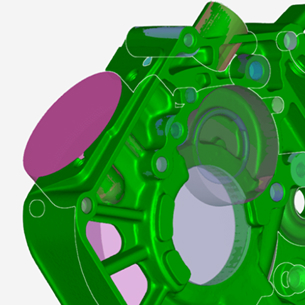
It’s very simple to scan in Artec Studio thanks to the new 3D Radar mode. Artec Studio will show you that you are holding the scanner at the optimal distance by visualizing the real-time 3D data in green.
Move the scanner a little too close and the image will turn red, a little too far back and it will turn blue. Keep the data capture green to be sure you are getting the best results.
Additional Benefits
Special price for 3D software bundle
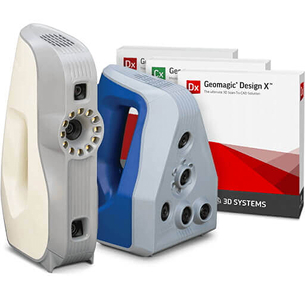
When purchasing Artec 3D scanner, enjoy special discount for 3D design and inspection software from Autodesk Manufacturing Solution, 3D System Geomagic and EGS Leios
Attractive offer for schools and universities
Education institutes are entitled to purchase Artec scanner at special EDU pricing, which includes free 20 licenses of Artec Studio 3D software, 2 years hardware warranty and software upgrades
Smart, easy scan processing software
Smart Autopilot mode in Artec Studio software provides new and experienced users the most seamless workflow to process 3D scanning data and produce reliable results. Also enjoy the fastest processing speed yet in latest Artec Studio version
Scan on a Mac
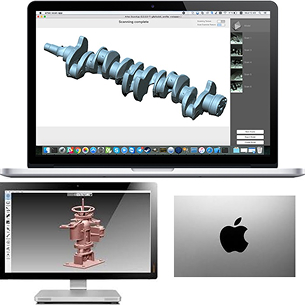
In addition to installing Artec Studio via Bootcamp, Mac users can also make high quality, accurate scans using our free ScanApp standalone application. Users will appreciate the easy way to scan, as well as the clean, ergonomic interface & perform basic model processing in ScanApp and then export the results for more extensive processing.
Artec Studio 18. Feel the power of the software.
Artec Studio 18. The software that drives the Artec 3D scanners.
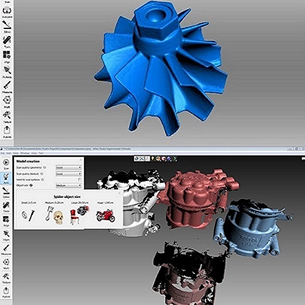
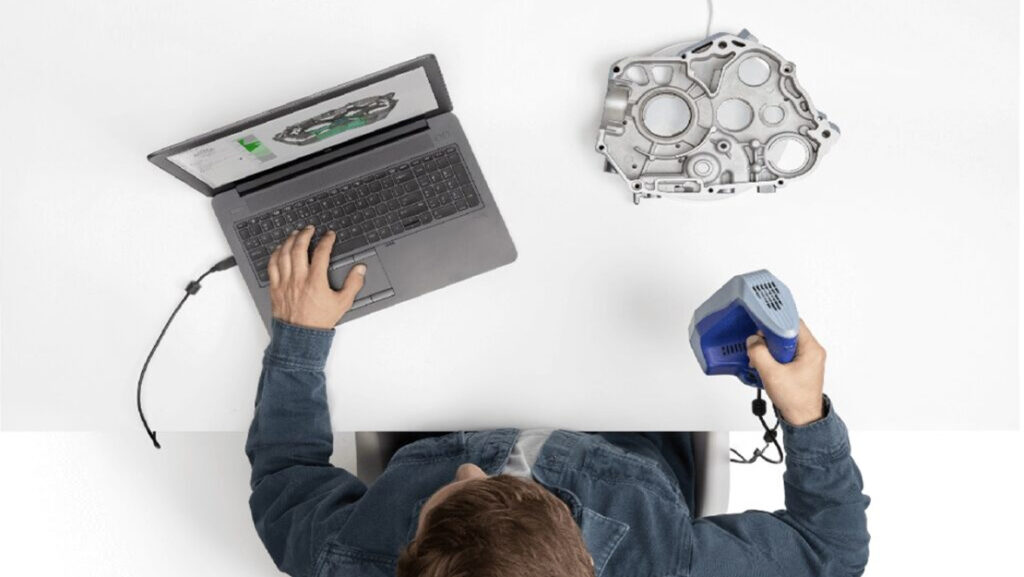
Artec Studio is designed to be intuitive and easy to use and learn, so all your attention can be focused on your work. Speed up your scan-to-mesh workflow with Autopilot. With a few simple questions, the software will select the most effective 3D algorithms for the data at hand. Easily capture hard-to-reach areas, sharp edges, and small and thin elements in high-resolution 3D with Artec Studio’s AI neural engine.
Combine different resolution scans in a single step with Artec Studio Smart Fusion. Now, you can capture the bigger picture with long-range Ray II, fill in any gaps with the handheld Leo, then create a model using the highest resolution data from each.
We are specialists in 3D Scanning, 3D Scanners and CAD / CAM software, serving the industry since 1996. Engage our expertise for your small batch prototypes production, and 3D design and manufacturing solutions.
We use them to give you the best experience. If you continue using our website, we'll assume that you are happy to receive all cookies on this website.